Have you ever scrolled through Instagram or walked past a sleek storefront and thought, “I wish I could make things look like that”?
Usually, that thought is followed by a reality check: you aren’t a graphic designer, you don’t have thousands of dollars for high-end software, and you definitely don’t have years to spend in art school.
But here is the secret the pros don’t want you to know: Professional design is no longer a gatekept secret. It is a skill you can master today. Whether you’re a small business owner, a budding influencer, or a student, you can create stunning visuals in minutes using Canva.
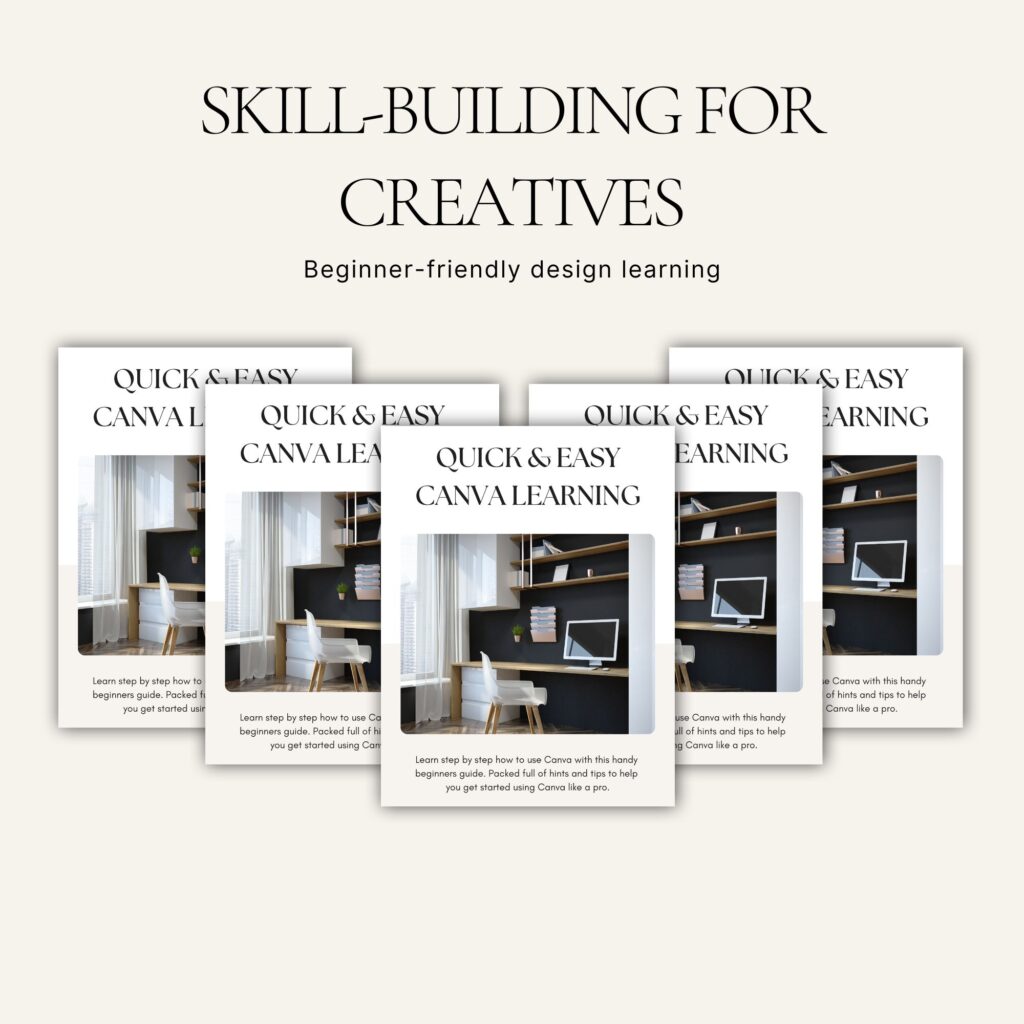
To help you skip the learning curve entirely, we’ve distilled everything you need to know into our comprehensive guide: “Design Like a Pro—No Experience Needed: Quick & Easy Canva Learning.” Here is a taste of how you can start transforming your ideas into art right now.
The biggest mistake beginners make is staring at a blank white screen. It’s intimidating! Canva’s library contains thousands of templates crafted by world-class designers.
The trick isn’t just picking a template; it’s making it yours. In our featured ebook, we show you the “3-Step Swap” method to customize any template so it looks original and high-end, rather than a carbon copy of everyone else’s feed.
Professional design is often about restraint. To keep your work from looking cluttered:
Want to work like a pro? Stop clicking through menus and start using your keyboard. These “hidden” one-key shortcuts will save you hours:
While Canva is intuitive, there are “hidden” features—like the Background Remover, Magic Resize, and Brand Kits—that separate the hobbyists from the pros.
In our ebook, “Design Like a Pro—No Experience Needed: Quick & Easy Canva Learning,” we dive deep into:
You don’t need a degree to have a beautiful brand. You just need the right roadmap. Why spend months frustrated with “trial and error” when you can learn the shortcuts today?
Grab your copy of [Design Like a Pro—No Experience Needed: Quick & Easy Canva Learning] and let’s start creating!
#Branding #MarketingTips #CanvaDesign #VisualCommunication #EbookLaunch CanvaTips #DesignHack #SmallBizOwner #GraphicDesignBeginner #CanvaTutorial #DesignLikeAPro





Leave a comment